
MV L-System - Utility
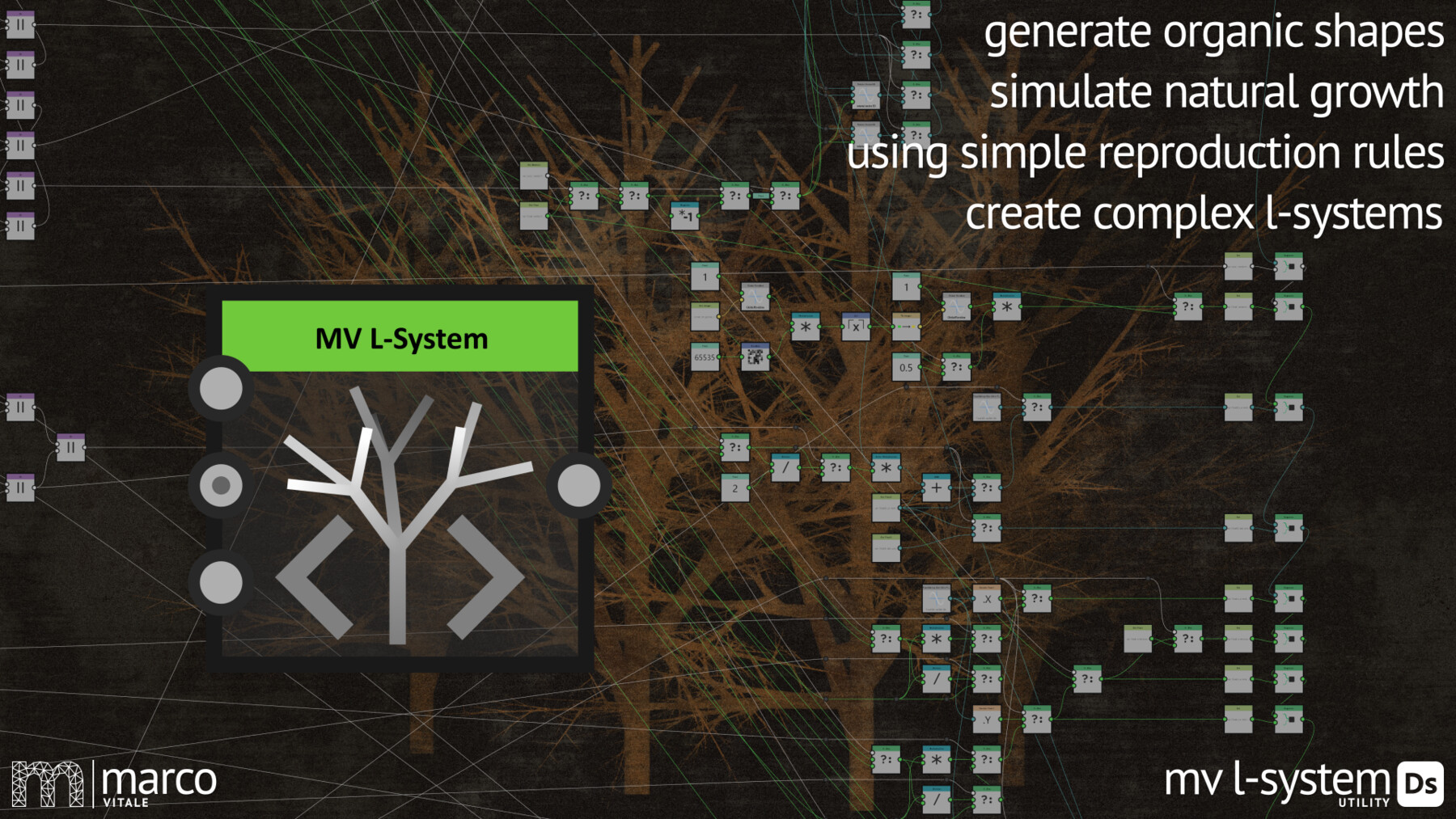


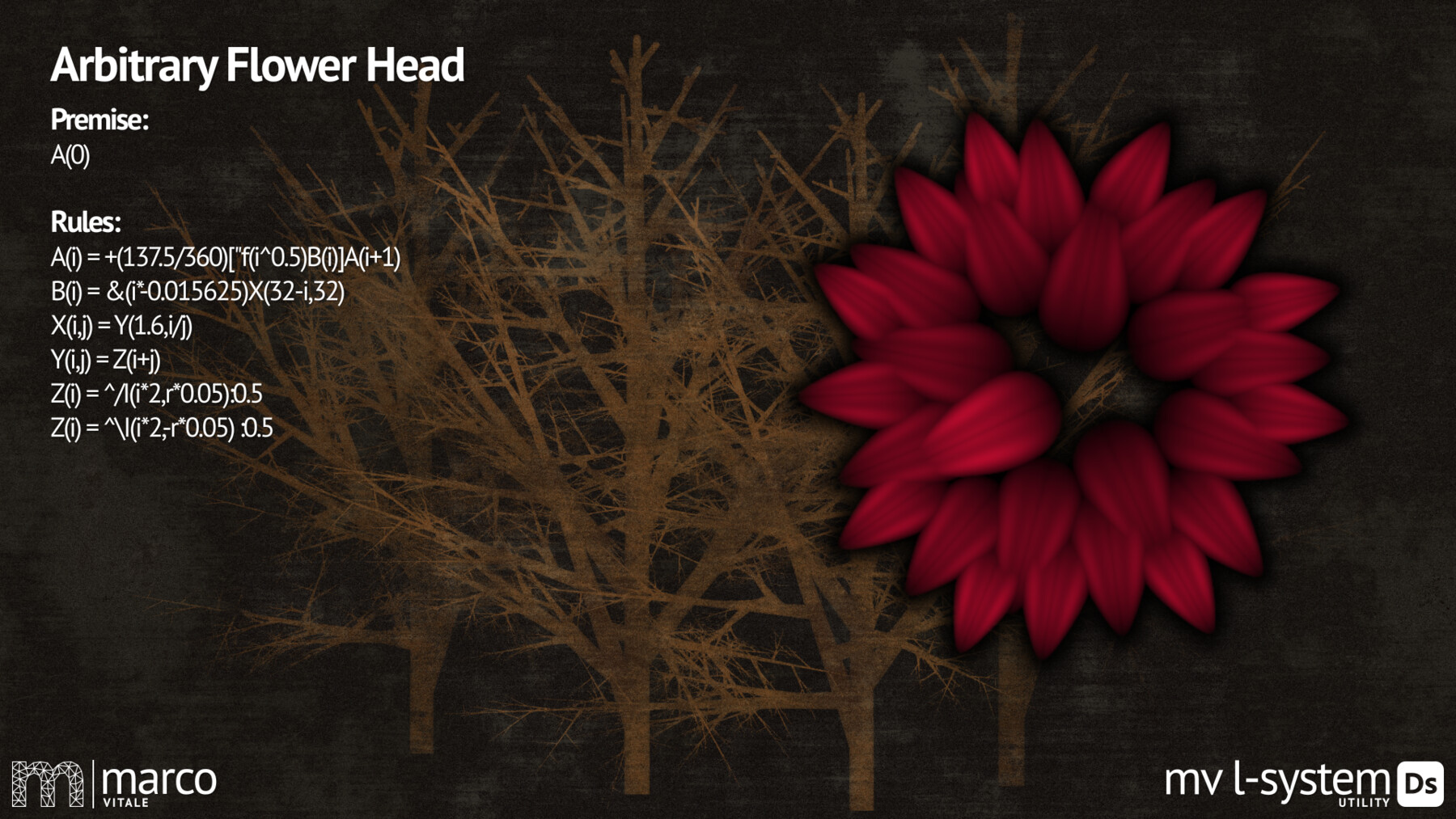
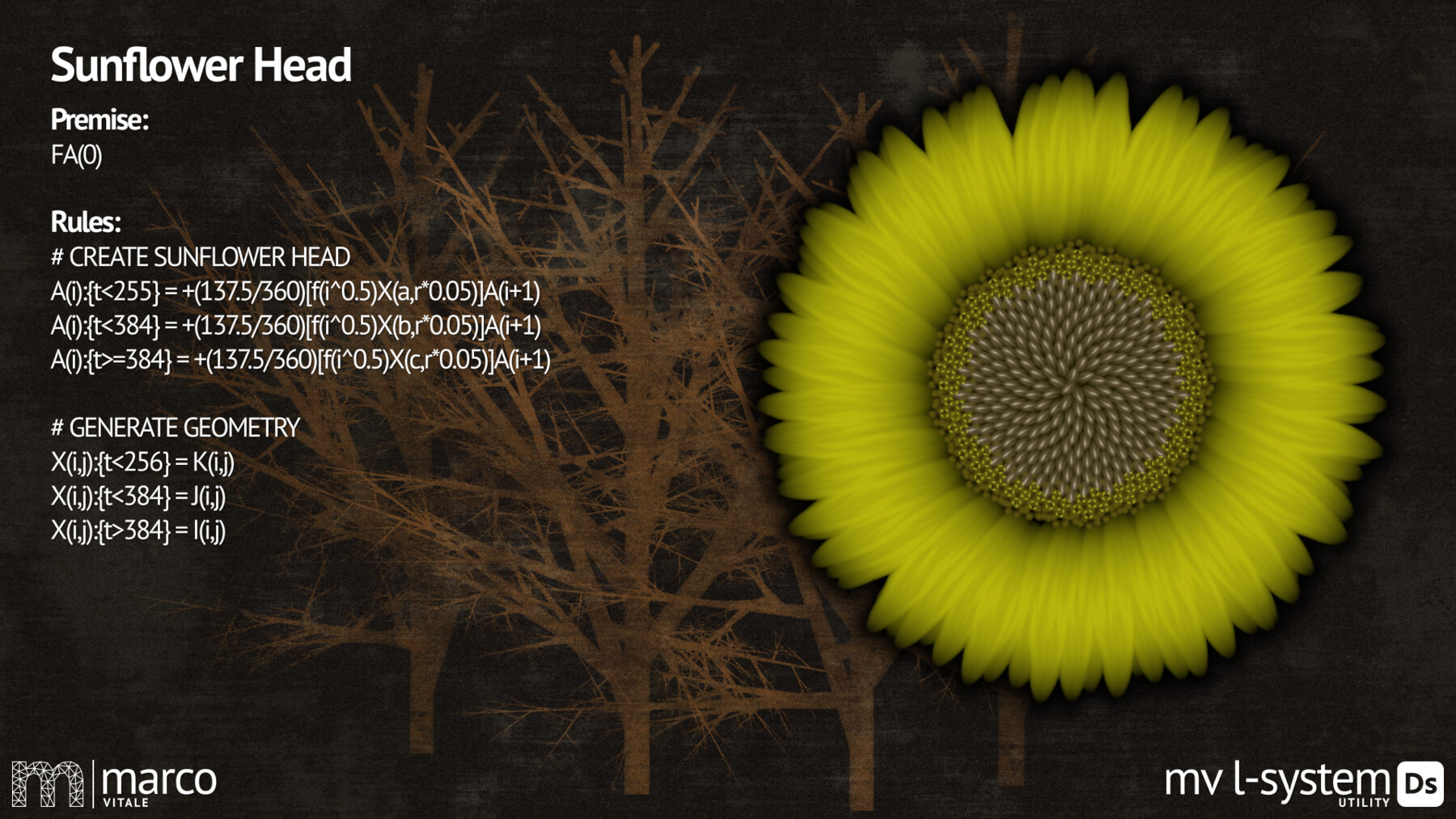

The "MV L-System" is a collection of nodes to create organic shapes and fractal patterns by applying a few simple rules in Substance 3D Designer.
L-Systems were introduced by Aristid Lindenmayer in 1968 as a way to describe the behaviour of plant cells and to model the growth processes of plants. His idea was as genius as it was simple to implement. He developed a parallel rewriting system, which starts with an initial string or character and replaces the symbols of the string by following simple rules. At each generation the rules get applied again, which leads to the recursive growth of the initial string. These strings can then be interpreted using Logos Turtle Graphics commands to draw the result of the L-System.
The "MV L-System" combines the original technique of Lindenmayers paper the "Algorithmic Beauty of Plants" with the procedural workflow of Designer.
1. The Input - Node
The first Node is used to define the initial string or premise and the reproduction rules. The rules can be very simple by just replacing one symbol with another set of symbols. But it can also contain quite complex rules, using conditions, probabilities, parameters and image-inputs.
2. The Iterate - Node
The next Node is the core of the "L-System". It recursively replaces the Symbols of the previous generation by applying the reproduction rules to each symbol and generates a new string as an output. The "Iterate Node" can do up to 256 generations, if you need more, just connect another "Iterate Node" to the outputs of the first one. But be careful, the recursive nature of "L-Systems" can grow very fast and this can heavily affect performance of Designer.
3. The Draw - Node
The last Node interprets the string from the "Iterate Node" using the turtle graphics commands and draws the result of the L-System in 3D. Connect the outputs of the "Iterate Node" to the corresponding inputs of the "Draw Node". This Node can heavily affect the performance of Designer, this is what the "Drawing Range" parameter is for, it filters the drawing commands by their index, this way you can draw just the portion you need and use another "Draw Node" to split the heavy lifting.
You can find the complete Node-Reference on YouTube
Stay healthy and creative
Marco Vitale
Release Notes
What's New in Version 1.2:
- Minor Bug fixes
- Input images didn't offset when coordindate System changed